
The Hidden Cost of Your WordPress Plugins
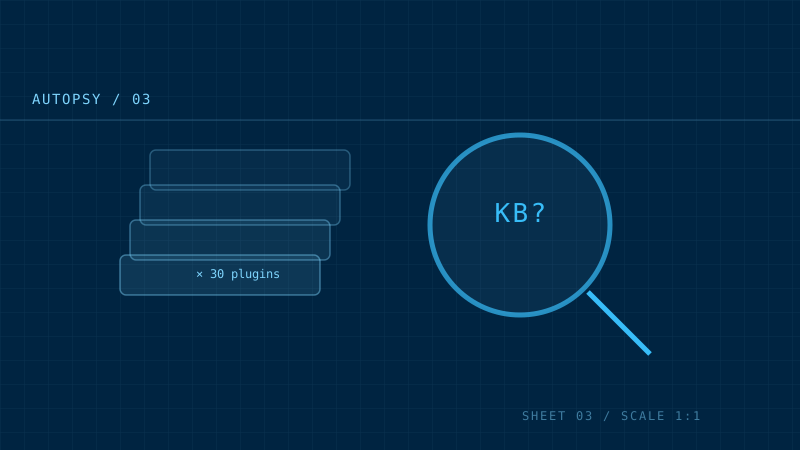
Before I ever open a theme or touch a design, I ask the same question on every WordPress project: what is this site actually loading?
The answer is almost always the same — and it’s rarely pretty.
The autopsy begins
A WordPress site is a construction site where every subcontractor — the plugins — gets to drop their own materials in front of the building, whether you ordered them or not. Each plugin, the moment it’s active, can register its own CSS and JavaScript, and WordPress dutifully enqueues it on every page unless told otherwise.
Here’s what a typical “light” WordPress site ships to the browser on a single page load:
- A slider plugin that loads 80 KB of jQuery just to show one static image.
- A page builder injecting its full runtime on a blog post that uses none of its features.
- A contact form plugin with its own stylesheet and script bundle on every page of the site.
- Analytics, fonts, a share-button library, an SEO plugin’s scripts — each adding its own request, its own blocking file.
None of it is malicious. None of it is “wrong.” It’s just unmanaged. Nobody sat down and asked which of these pieces actually needs to be on the homepage.
The arithmetic of slowness
The problem isn’t any single plugin — it’s the sum. Twenty or thirty plugins each adding a few dozen kilobytes doesn’t feel like much in isolation. But the browser doesn’t experience them in isolation. It experiences:
- Render-blocking CSS — the page can’t paint until the browser downloads and parses all of it.
- Render-blocking JavaScript — the browser pauses to execute scripts it may never use.
- Round trips — every additional file is another request on the critical path.
This is how a WordPress site ends up with a performance score in the low 60s while the owner insists, quite honestly, that they’ve “kept it simple.”
What I actually do
The fix isn’t “delete all your plugins.” That’s the advice of someone who’s never run a real business website. Plugins exist because they solve real problems. The discipline is in auditing what each one loads, and cutting what a given page doesn’t need.
The practical order:
- Inventory. List every active plugin and what it enqueues.
- Load maps. Check which plugin actually renders on which page.
- Deactivate and measure. Disable a plugin and re-run Lighthouse. The score tells you the truth faster than any documentation.
- Cut or conditionally load. Anything that isn’t used on a page shouldn’t ship to that page.
- Question the builder. If the entire site runs on a page builder, that’s usually the single biggest lever — and often the reason the site was slow in the first place.
The result
On the projects I’ve taken on, the pattern is consistent. Removing unused plugin assets and shipping only what each page needs moves a site from the 60s and 70s into the 90s — and, with the right stack, all the way to 100/100.
The plugins didn’t disappear. The waste did.
The honest conclusion
Your WordPress plugins aren’t the enemy. The enemy is unmanaged accumulation — the slow layering of tools on top of tools until no one remembers what any of them is for. That’s a maintenance problem, not a technology problem. And like any maintenance problem, it’s cheaper to fix early than to live with for years.
If you want to know what your own site is loading, the first step is free: open your site in a browser, open the network tab, and look at what’s actually being downloaded. You might be surprised at what’s standing in front of your building.